Online Interview Checklist for Zoom, Google Meet and Teams
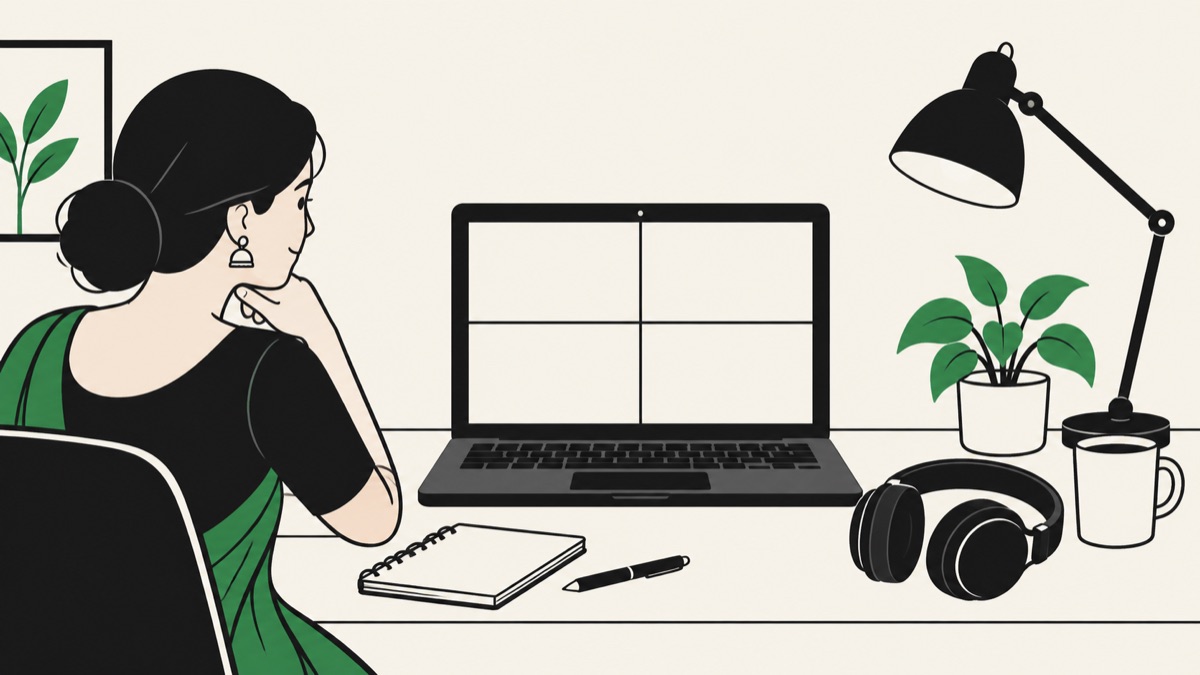
Most interviews now happen on video, at least for the first few rounds. That removes the travel and waiting room nerves, but adds new ways for things to go wrong: a mic that isn't picked up, Wi-Fi that drops mid-answer, a family member walking behind you.
Use this checklist the day before and again 30 minutes before your interview.
Quick answer: For an online interview, test your internet, mic and camera the day before on the same platform. Use headphones, sit facing a window or lamp, keep the camera at eye level, close other apps, keep your phone ready as a backup hotspot, and join five minutes early.
The day before
Check the invite
- Which platform: Zoom, Google Meet, Microsoft Teams, or something else?
- The time zone. International interviews are often in the recruiter's time zone.
- Whether you need an account, an app install, or a specific browser.
- Who you're meeting and their roles, from LinkedIn.
Test on the same platform
Run a test call with a friend on the exact platform. Zoom has a test meeting page, and Google Meet and Teams let you preview your camera and mic before joining. Check:
- Your name displays correctly. Change "Lenovo-PC" or a nickname to your full name.
- Screen sharing works, if it's a technical or presentation round.
- Your mic is the one you expect, not the laptop's built-in one picking up fan noise.
Update and restart
Install system and app updates the day before, not an hour before. Restart your laptop.
Internet
- Sit close to your router, or use a wired connection if you can.
- Ask others at home to pause big downloads and streaming during your slot.
- Keep your phone charged with mobile data on, ready as a hotspot.
- Save the interviewer's or recruiter's phone number in case the call drops.
Audio
Audio matters more than video. A clear voice with an average picture beats a sharp picture with bad sound.
- Use wired earphones or a headset with a mic. Bluetooth sometimes lags or disconnects.
- Pick a quiet room. Close windows if there's traffic noise.
- Soft furnishings like curtains or a bed reduce echo.
- Test whether keyboard noise is picked up if you'll be coding.
Camera and lighting
- Put the camera at eye level. Stack books under your laptop if you need to.
- Face the light source. A window or lamp in front of you, never behind.
- Frame yourself from the chest up, with some space above your head.
- Look at the camera when you're making a key point, not at your own video.
Background
- A plain wall or tidy shelf works best.
- Virtual backgrounds can glitch around your hair and hands. A simple blur is safer.
- Tell your family the exact time you'll be busy and put a note on the door.
Dress
Dress as you would for an in-person interview, at least from the waist up. It changes how you feel as well as how you look. Avoid thin stripes and very bright patterns, which can flicker on camera.
30 minutes before
- Close all unnecessary apps and browser tabs, especially anything that might pop up notifications.
- Turn on do-not-disturb on your laptop and phone.
- Keep water, a notebook, a pen and your resume nearby.
- Open the meeting link and check your preview.
- Use the bathroom.
Join five minutes early
Joining too early can put you in a waiting room with no sign of anyone. Five minutes early is enough to handle any last-minute login issue. If the interviewer doesn't join by five minutes past, send a polite email or message to the recruiter.
If something goes wrong
- Your internet drops: rejoin immediately using the same link. If it keeps failing, switch to your phone's hotspot and email the recruiter.
- They can't hear you: check you're not muted, then check the selected mic in settings.
- Your laptop crashes: join from your phone and explain briefly.
Technical problems happen to everyone. Interviewers remember how calmly you handled them, not the problem itself.
During the interview
- Nod and use short verbal cues so they know you're listening, because video flattens body language.
- Pause a second before answering to avoid talking over each other with the lag.
- If you need to look at notes, say so, or keep them close to the camera.
Stay calm under pressure
Even with perfect setup, nerves can make your mind go blank. Read our tips on what to do when your mind goes blank. And if you'd like extra support, SilentlyAI works alongside Zoom, Google Meet and Teams and can show a suggested answer on your screen when you ask for it.
Frequently asked questions
Which is better for interviews: laptop or phone?
A laptop is better. It gives a steadier camera, a bigger screen, and makes screen sharing and coding possible. Keep the phone as a backup.
Should I use a virtual background?
A simple blur is safer than a virtual background, which can glitch. A plain, tidy real background is best.
What should I do if my internet disconnects during an interview?
Rejoin right away with the same link. If it keeps failing, switch to mobile hotspot and message the recruiter so they know what happened.
How early should I join a video interview?
About five minutes early is ideal.